Practical IT guidance for businesses that can't afford guesses.
Managed IT, cybersecurity, HIPAA, Microsoft 365, backup, and business Wi-Fi advice — written by senior engineers, not marketers.
Managed IT

On-Site IT Support Miami: Comparing Remote vs. Physical Presence in 2026
In 2026, relying solely on a remote help desk for your Miami business isn't just a gamble; it's a structural vulnerability that could cost you everything during a single hurricane season or a…
Managed IT Services Miami: Why Local Partnership is Your Best Defense in 2026
In 2026, relying on a remote-only help desk located three time zones away is a gamble your business can't afford to take. When your network goes down during peak hours, you don't need a ticket…

How to Choose a Managed IT Provider in Miami
Choosing a managed IT provider is not about finding the cheapest monthly plan. It is about trusting a team with your users, data, email, backups, security, and business continuity. The wrong…

What Does Managed IT Service Cost in South Florida?
Most South Florida businesses want a straight answer: what should managed IT cost? The honest answer is that pricing depends on users, devices, servers, compliance needs, security stack, onsite…

Why 24/7 IT Support Is a Necessity for Modern Businesses
Business technology does not fail only between 9 and 5. Email compromise, server alerts, internet outages, backup failures, and remote-work issues often happen at the worst possible time. For many…

Remote IT Support for South Florida Businesses
Remote IT support should feel fast, secure, and useful. It should not feel like waiting in a ticket queue while someone reads from a script. When done well, remote support can solve user issues,…
Cybersecurity

Secure Remote Access for Business in Miami: The 2026 Executive Guide
The traditional secure office — a castle protected by a firewall moat — became obsolete in 2024. Today your business perimeter is wherever your employees connect, and for Miami businesses that new reality demands a forward-looking approach to secure remote access…
Endpoint Security for Businesses in Miami: The 2026 Defense Guide
If your Miami business feels like a target, it's because it is. Florida consistently ranks in the top three states for cybercrime complaints, and for local small to mid-sized companies, a…
How to Protect Your Business from Ransomware in 2026
Ransomware protection starts before the ransom note. The businesses that recover best are the ones that reduce entry points, detect suspicious activity early, and maintain backups that attackers…

Cyber Insurance Requirements for Small Businesses in 2026
Cyber insurance requirements small business owners face in 2026 are more technical than they were a few years ago. Carriers want MFA, EDR, tested backups, and documented controls…
Top Cyber Threats Targeting Small Businesses in 2026
Small businesses are no longer too small to be targeted. Attackers go after companies that depend on email, Microsoft 365, remote access, and online banking but often lack full-time security…
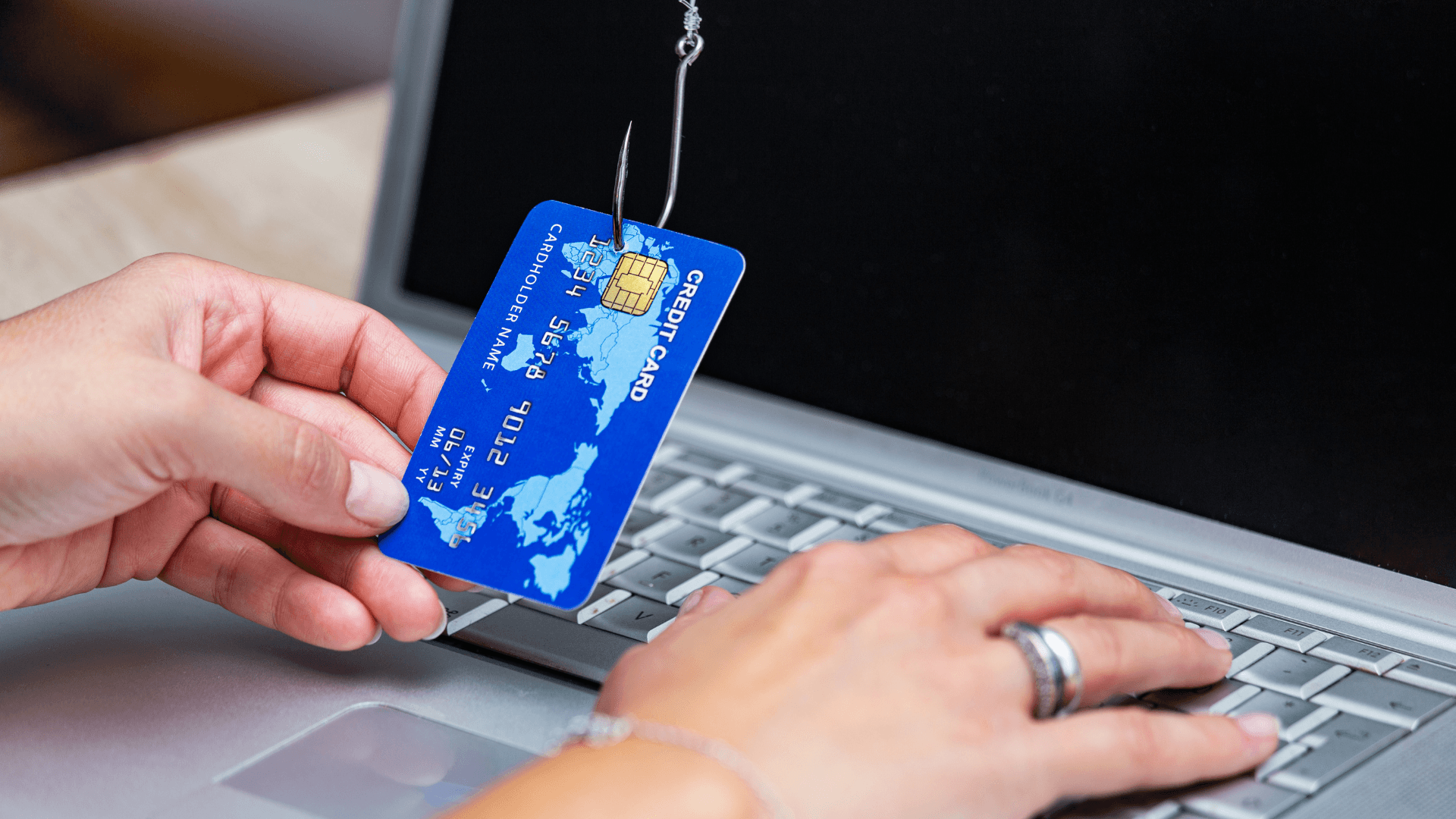
How to Spot Phishing Emails Before They Cost Your Business Money
Most phishing emails are designed to create pressure. They ask someone to click, approve, pay, reset, download, or verify before thinking. The best defense is a team that knows what suspicious…
Network Security Checklist for Small Businesses
A practical small business network security checklist turns vague cyber risk into owned monthly work: MFA, segmentation, patching, backups, and documented controls…
Networking

Business Wi-Fi vs. Home Wi-Fi: When the Mesh System Stops Cutting It
A home mesh system can work well in a house. That does not mean it belongs in a business. Offices, clinics, warehouses, and commercial spaces need secure guest networks, device visibility,…
How Wi-Fi 7 Improves Productivity, Reliability, and Security for Businesses in 2026
Wi-Fi problems rarely look like a major business risk at first. They look like frozen video calls, barcode scanners that disconnect, patient rooms with weak signal, and employees blaming the…
5 Signs It Is Time to Upgrade Your Office Network
A network upgrade should not wait until the entire office is down. Most networks show warning signs for months before they fail: slow cloud apps, random Wi-Fi drops, bad VoIP quality, security…
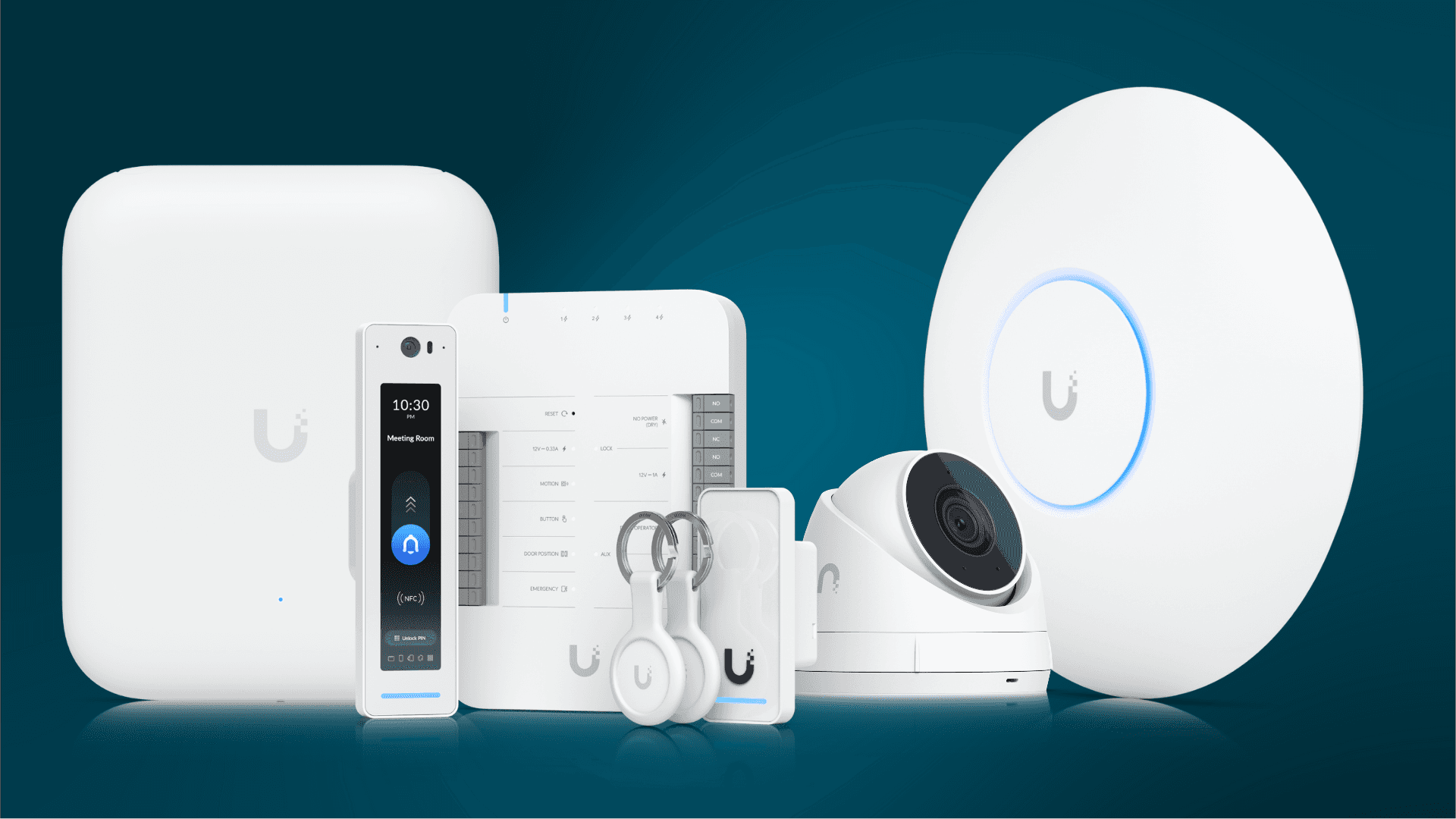
Get Better Wi-Fi, Cameras, and Access Control with UniFi
UniFi is popular because it gives small and mid-size businesses strong visibility without enterprise-level complexity. Wi-Fi, switching, cameras, door access, and network monitoring can be managed…
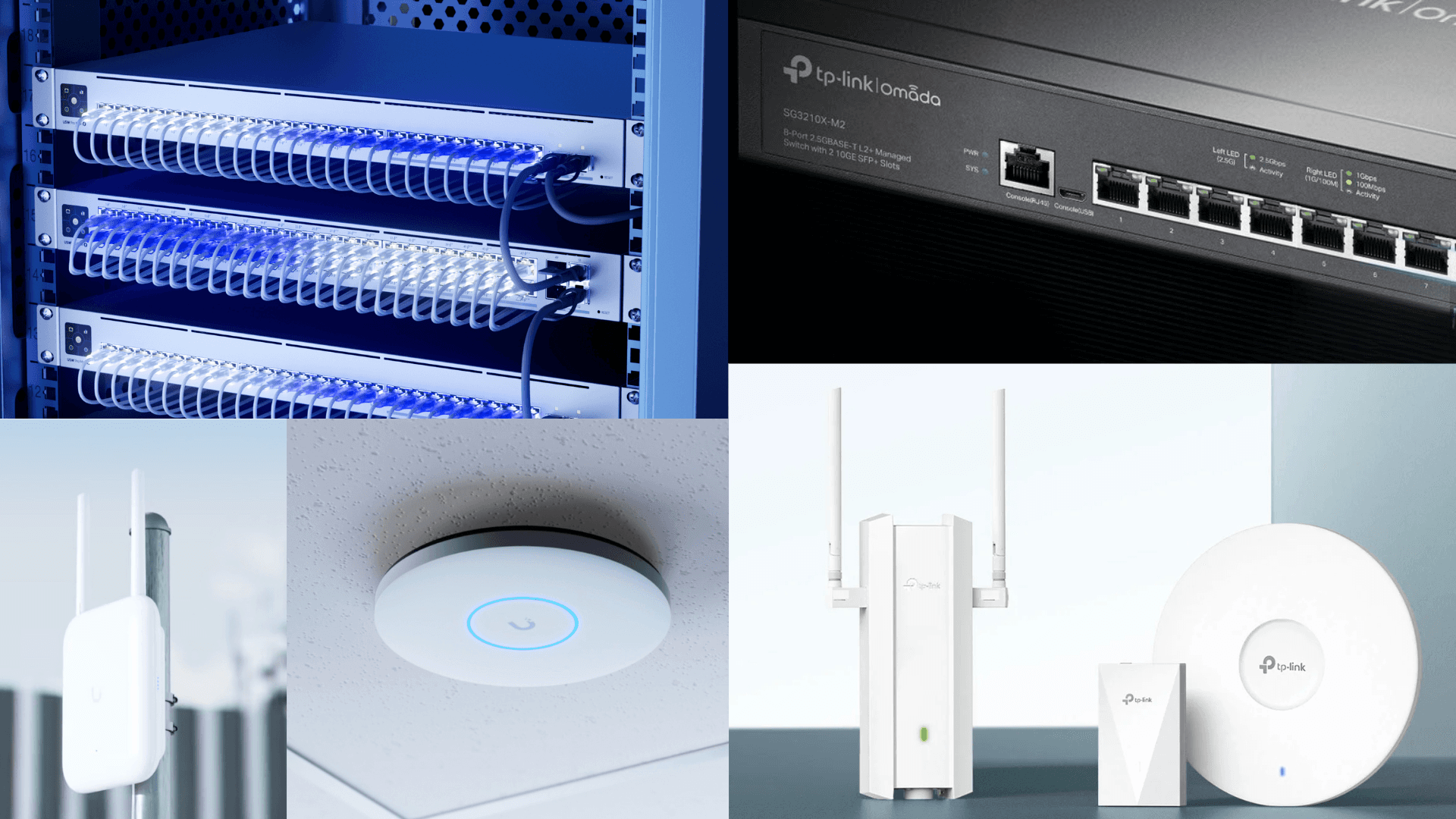
Ubiquiti vs. TP-Link Omada for Business Network Installation
Choosing the right platform for Ubiquiti Omada network installation Miami businesses need is less about brand loyalty and more about design, documentation, and long-term support…
Microsoft 365

Microsoft 365 Security Checklist for Small Businesses
Microsoft 365 is where many businesses keep email, files, Teams chats, calendars, and client data. That makes it one of the most important systems to secure. Default settings are not enough for…
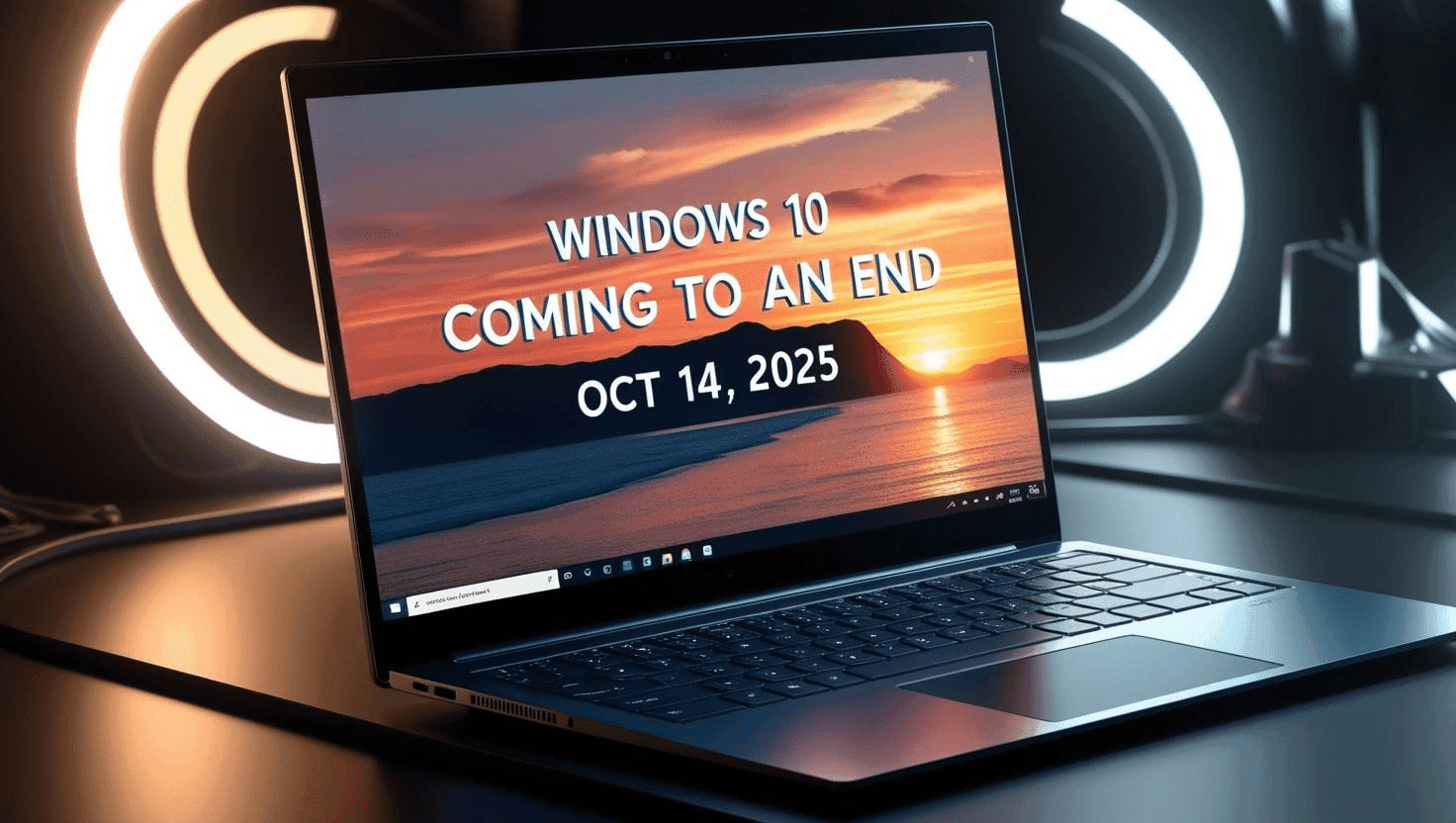
Windows 10 Support Has Ended: Business Checklist for 2026
Windows 10 support has ended, which means businesses still running it need a clear plan. The risk is not that computers stop working overnight. The risk is that unsupported systems become harder…
Compliance
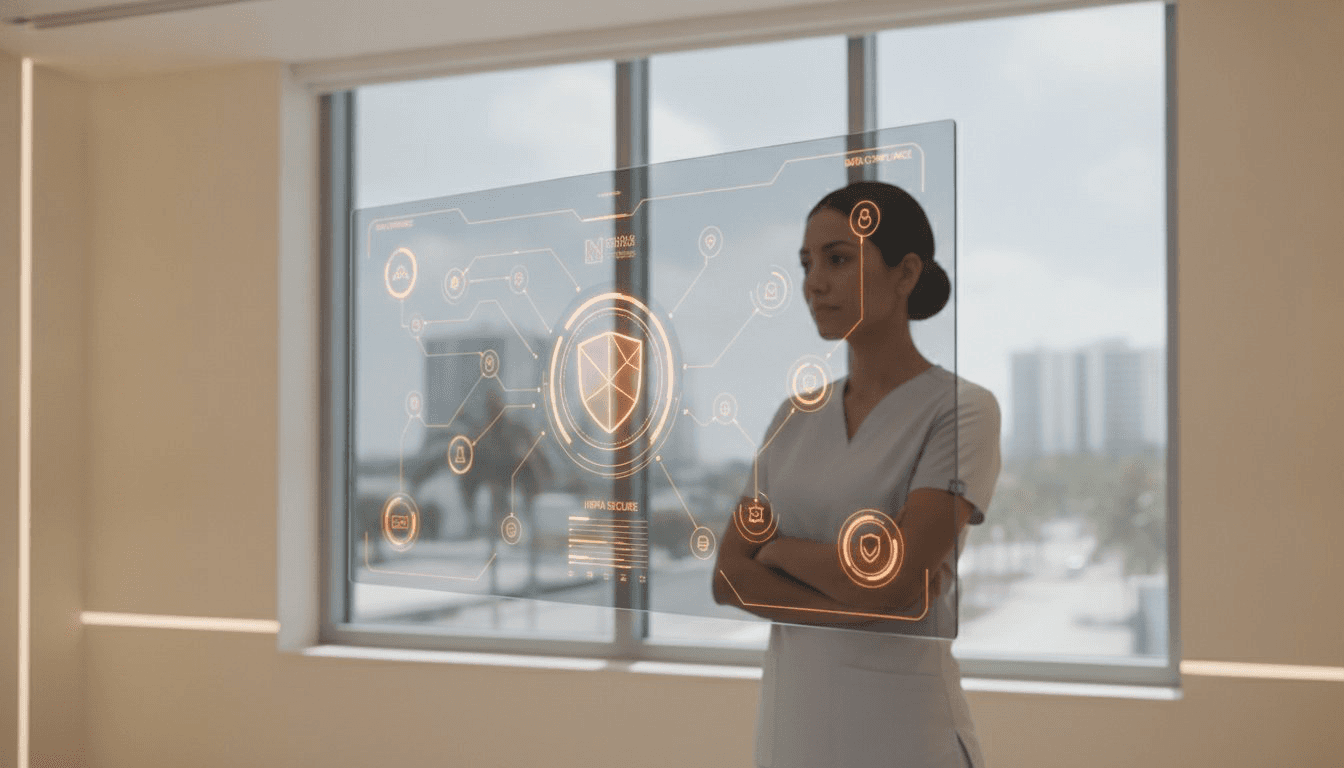
HIPAA Compliance for Dental Offices in Miami: The 2026 Managed IT Guide
In 2026, the landscape of healthcare data security is more complex than ever, and Miami's vibrant dental community is squarely in the regulatory spotlight. The Office for Civil Rights…

HIPAA IT Compliance Checklist for Medical and Dental Practices
HIPAA IT compliance is not just a policy document. It is the way your practice protects electronic patient information across email, workstations, servers, cloud apps, imaging systems, backups,…

Dental Office IT Compliance Issues Florida Practices Cannot Ignore
Dental offices handle protected health information, payment data, images, insurance records, and patient communications every day. That makes IT compliance more than a paperwork issue. It affects…
Hurricane Prep

Hurricane Season IT Disaster Recovery Checklist for Florida Businesses
Hurricane season is not the time to discover that your backup has never been tested, your remote access depends on the office internet, or your team does not know who to call. IT disaster recovery…
Business Backup and Disaster Recovery: What Owners Need to Know
A backup only matters if it can be restored. Many businesses have a backup product installed, but no one has tested whether files, servers, Microsoft 365 data, or practice-management systems can…
Reading is helpful. A real assessment is better.
A senior engineer reviews your environment, documents what is actually exposed, and walks you through a plain-English scorecard. No contract, no obligation.