Ubiquiti vs. TP-Link Omada for Business Network Installation
Choosing the right platform for Ubiquiti Omada network installation Miami businesses need is less about brand loyalty and more about design, documentation, and long-term support…
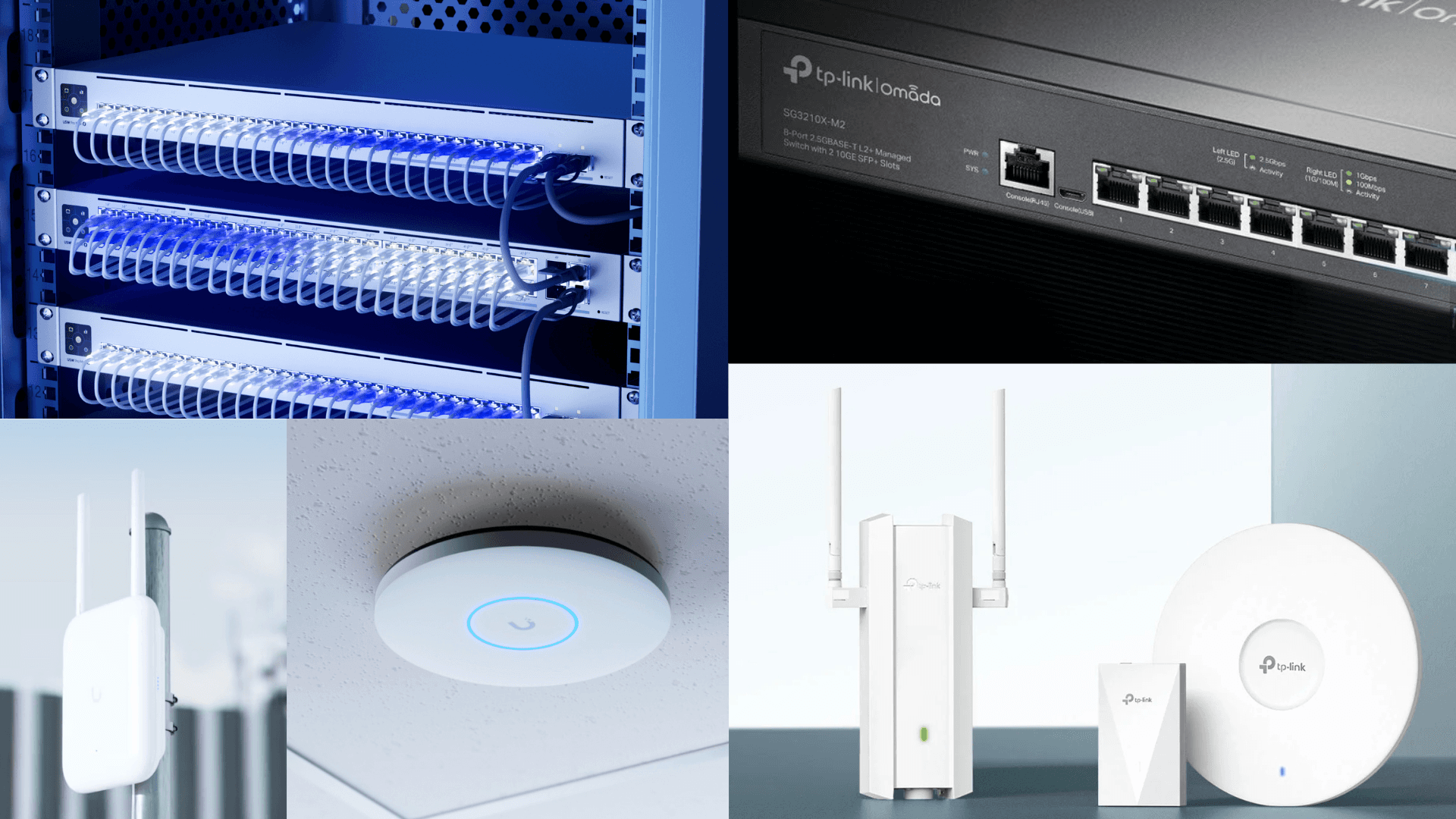
Choosing the right platform for Ubiquiti Omada network installation Miami businesses actually need is less about brand loyalty and more about design, documentation, and long-term support. Ubiquiti UniFi and TP-Link Omada can both deliver solid Wi-Fi, switching, and centralized management for small and mid-size offices in Miami Lakes, Doral, Hialeah, Coral Gables, Kendall, and across Broward. The wrong choice usually comes from buying hardware first and designing the network second.
Miami offices, clinics, warehouses, restaurants, and multi-tenant suites put unusual pressure on wireless: dense neighboring SSIDs, concrete and metal construction, guest traffic, cameras, VoIP, barcode scanners, and hybrid workers. A clean Ubiquiti or Omada deployment with proper cabling, VLANs, firewall policy, and handoff will outperform a mixed pile of consumer mesh gear every time. Design still beats brand hype.
Table of Contents
- Ubiquiti Omada Network Installation Miami: What Local Businesses Need
- Ubiquiti UniFi: Strengths for Growing South Florida Offices
- TP-Link Omada: When Budget and Scope Favor a Leaner Stack
- Design Factors That Matter More Than the Logo on the Access Point
- Cameras, Access Control, and Network Segmentation
- How to Choose: A Practical Decision Framework
- How RANGO Helps With Ubiquiti and Omada Deployments
Ubiquiti Omada Network Installation Miami: What Local Businesses Need
South Florida businesses rarely need "more Wi-Fi." They need predictable coverage, secure guest access, clean switching, and a network someone can support after the installer leaves. That means documented admin access, labeled ports, VLAN maps, and a clear upgrade path when you add users, cameras, or a second suite.
Common Miami-area scenarios include professional offices in Coral Gables, medical and dental suites sharing buildings in Miami Lakes, warehouses near Medley and Opa-Locka, and hybrid teams bouncing between Brickell coworking and home offices. Each needs different density planning and RF expectations. Consumer mesh systems fail here because they lack business-grade segmentation, monitoring, and vendor accountability. See our guide to business Wi-Fi vs home Wi-Fi for the practical differences.
A strong commercial install should also support the applications your team lives in every day: Microsoft 365, VoIP, cloud line-of-business software, and security tooling. Wireless is only one layer. Switching, firewall policy, DNS filtering, and patching determine whether the network stays manageable. For broader network ownership, review our network administration services and business Wi-Fi offerings.
Authoritative product documentation lives with the vendors. UniFi product and controller guidance is published by Ubiquiti, and Omada SDN / controller documentation is published by TP-Link Omada. Spec sheets matter; so does who installs and maintains the system. For broader security hygiene around network devices, CISA publishes free hardening guidance that pairs well with any commercial Wi-Fi platform, and the NIST Cybersecurity Framework is a useful way to talk about identify/protect/detect/respond/recover without turning a Wi-Fi project into a paperwork exercise.
Ubiquiti UniFi: Strengths for Growing South Florida Offices
UniFi is often the better fit when you want one ecosystem for Wi-Fi, switching, gateways, cameras (UniFi Protect), and door access. Centralized dashboards help owners and IT partners see clients, APs, switch ports, and alerts without hopping between four vendor portals. For businesses planning to grow cameras and access control later, that ecosystem cohesion reduces integration friction.
RANGO is a Ubiquiti Full Stack Professional. We design, install, and support UniFi environments for South Florida offices that need senior-engineer ownership rather than a one-time cable drop. That credential matters for complex multi-building or multi-VLAN installs where gateway policy, Protect cameras, and Wi-Fi must share one coherent design.
UniFi strengths that show up in real Miami deployments:
- Strong ecosystem coverage for Wi-Fi, switching, and Protect cameras under one management model.
- Good visibility for troubleshooting slow SSIDs, rogue clients, and port-level issues.
- Cleaner path when you later add security cameras or access control and want the network already segmented.
- Flexible cloud or local controller options depending on how you want to host management.
UniFi is not automatically "better" for every budget. Hardware and licensing choices still need a site survey, cable plant review, and a written topology. A poorly placed UniFi AP behind metal shelving in a Medley warehouse will underperform a well-placed Omada AP. For UniFi-specific security and Wi-Fi design notes, see UniFi business Wi-Fi security in Miami.
TP-Link Omada: When Budget and Scope Favor a Leaner Stack
Omada can be a smart choice when the network scope is straightforward, the budget is tighter, and you still want business-grade centralized management instead of consumer mesh. Omada SDN controllers, access points, and switches can cover offices that mainly need reliable Wi-Fi, guest isolation, PoE switching, and basic VLAN segmentation without buying into a larger camera/access ecosystem on day one.
Omada tends to fit well when:
- The building is a single suite or a simple multi-AP layout.
- Camera and access-control platforms are already chosen (or will be separate vendors).
- Ownership wants predictable hardware cost with commercial management features.
- The provider will still document topology, credentials, and VLAN policy.
Do not treat Omada as "cheap UniFi." Treat it as a different platform with its own controller model, firmware cadence, and feature set. The success criteria are the same: coverage, segmentation, documentation, and support. Mixing unmanaged switches into either platform without a plan creates blind spots that show up later as intermittent VoIP issues or camera storms.
RANGO does not claim TP-Link partner status. We evaluate Omada on use case, site conditions, and supportability. If Omada is the right tool, we install and document it the same way we would UniFi: survey, design, install, validate, and leave owners with admin access that is not locked to one technician's laptop.
Design Factors That Matter More Than the Logo on the Access Point
Brand comparison charts are useful. Design decides the outcome. Before you buy a pallet of access points, answer these questions with a technician who has walked your space:
- Where are walls, elevators, coolers, racking, and neighboring SSIDs interfering?
- Do guest devices need internet without touching business VLANs?
- Are cameras, printers, VoIP phones, and POS devices segmented?
- Is the cable plant Cat5e/Cat6 with tested runs, or a patchwork from prior tenants?
- Who owns DNS filtering, firewall rules, and firmware updates after go-live?
A proper install usually includes a site survey (predictive and/or on-site), cable testing, PoE budget review, channel planning, SSID design, guest captive or PSK policy, and as-built documentation. Skipping those steps is how offices end up with dead zones in exam rooms, dropped barcode scanners in receiving, or "the Wi-Fi is fine except when everyone is here."
If your office already shows the classic warning signs — slow cloud apps in the afternoon, guest networks that can see printers, or APs hanging off consumer routers — read 5 signs to upgrade your office network before you spend on more access points alone.
Florida-specific continuity also matters. Hurricane season and power events make documented remote management, UPS coverage for core switches/gateways, and clear restore steps part of network planning, not an afterthought. Pair the LAN design with backup and recovery thinking from our cloud backup and disaster recovery page when the office cannot afford a long outage.
Cameras, Access Control, and Network Segmentation
Many Miami businesses shop for Wi-Fi and discover mid-project that cameras and door readers will share the same switches. That is fine when planned. It is painful when cameras land on the staff VLAN and saturate bandwidth during an incident review.
Best practice for small business installs:
- Put cameras on a dedicated VLAN with restricted workstation access.
- Keep door controllers and readers on a controlled segment with clear firewall rules.
- Separate guest Wi-Fi from corporate devices and servers.
- Size PoE budgets for APs, cameras, and phones together, not one device class at a time.
- Document retention, viewer permissions, and who can change NVR/controller settings.
UniFi Protect plus UniFi networking is a common cohesive path. Omada plus a separate camera/access platform can also work when the integrator designs VLANs carefully. Either way, treat physical security systems as network clients with real bandwidth and security implications. Our teams regularly coordinate security camera installation and access control with the LAN design so you are not paying twice for redesign.
How to Choose: A Practical Decision Framework
Use this framework instead of a feature-war spreadsheet:
1. Scope: Single suite vs multi-floor vs warehouse vs multi-tenant. Larger or camera-heavy scopes often favor UniFi's ecosystem. Simple office Wi-Fi with tight budget often favors Omada.
2. Growth: Will you add Protect cameras, door access, or a second location in 12–24 months? Ecosystem cohesion has a real cost-of-change value.
3. Support model: Who will patch controllers, rotate admin MFA, and respond when an AP fails on a Monday morning? Platform choice should match your MSP's depth.
4. Budget honesty: Compare five-year cost of hardware + install + management + replacements, not just AP sticker price. Onboarding, projects, and hardware are quoted separately from any flat-rate monthly managed services.
5. Documentation requirement: Whichever platform you pick, require topology diagrams, credential handoff, VLAN table, and warranty/RMA process in writing.
There is no universal winner. There is a winner for your building, your applications, and your support plan. Avoid mixing unmanaged gear "just for now." Temporary switches have a habit of becoming permanent single points of failure.
How RANGO Helps With Ubiquiti and Omada Deployments
Since 2016, RANGO Technologies has helped South Florida businesses design and support commercial networks with a 100% local team. We are BBB A+ Rated, hold a 5.0★ Google rating (17 reviews), and operate as a Ubiquiti Full Stack Professional and Microsoft Partner. For managed-service clients, critical incidents get 15-minute remote acknowledgement, 24/7; on-site response is typically under 4 hours in Miami-Dade during business hours.
What you get from a RANGO network project:
- Site survey and design before hardware purchase recommendations.
- Clean install with VLAN/guest segmentation and documented as-builts.
- Integration planning for Wi-Fi, switching, cameras, and access control where needed.
- Optional ongoing management under flat-rate monthly services (onboarding, projects, and hardware quoted separately).
- Local engineers who know Miami-Dade and Broward building realities, not a script-only remote desk.
If you are deciding between UniFi and Omada — or inheriting a half-finished install — start with a design conversation, not a shopping cart. Request your free IT assessment and we will map coverage needs, platform fit, and a practical install plan for your Miami-area office.
Schedule a free IT assessment. Talk to a senior RANGO engineer about your environment.
Schedule a free IT assessmentSchedule a free IT assessment
Get a plain-English review from a senior RANGO engineer. No obligation.
Related posts
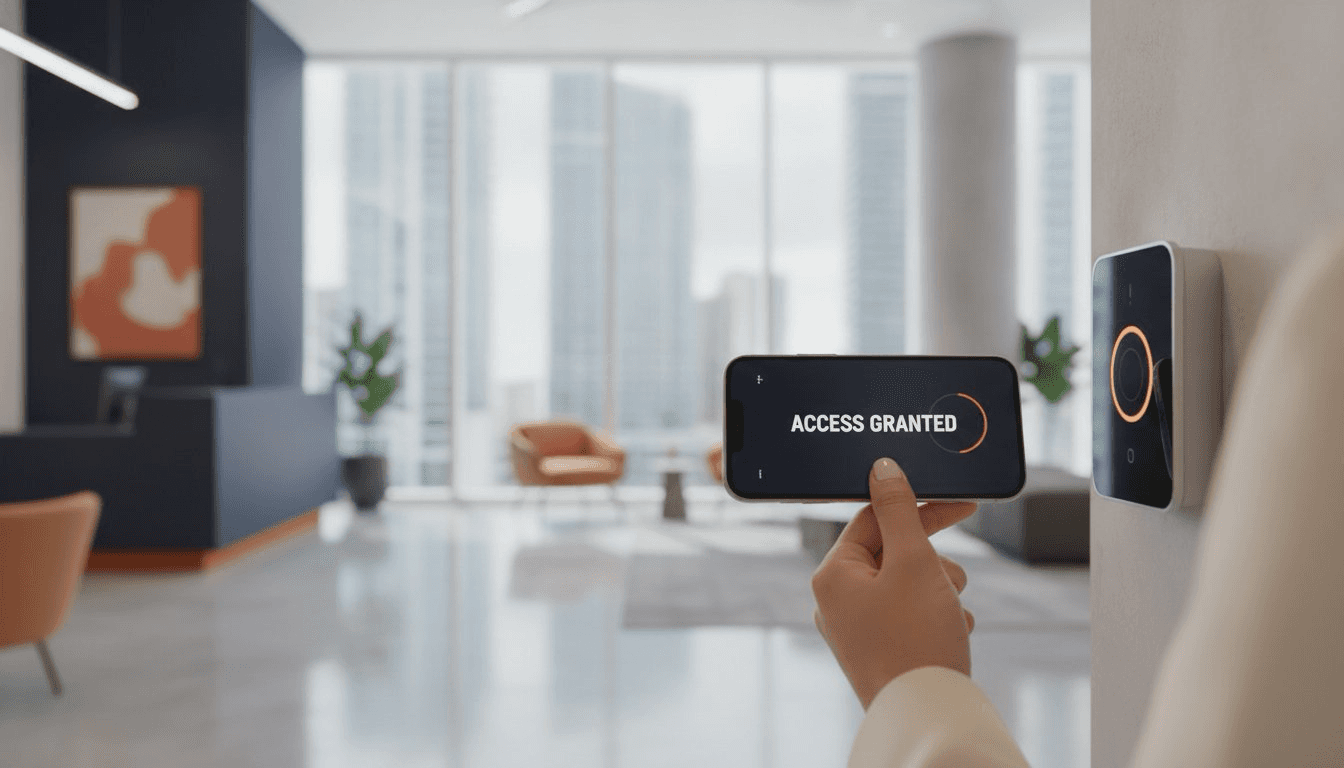
UniFi Access Control Miami: Secure Office Entry Solutions
The lost keycard, the ex-employee who still has a fob, the front door that fails in a summer storm — legacy access control creates daily risk for Miami offices. Here is how UniFi Access modernizes office entry, and what it takes to install it right…

How Wi-Fi 7 Improves Productivity, Reliability, and Security for Businesses in 2026
Wi-Fi problems rarely look like a major business risk at first. They look like frozen video calls, barcode scanners that disconnect, patient rooms with weak signal, and employees blaming the...

5 Signs It Is Time to Upgrade Your Office Network
A network upgrade should not wait until the entire office is down. Most networks show warning signs for months before they fail: slow cloud apps, random Wi-Fi drops, bad VoIP quality, security...