5 Signs It Is Time to Upgrade Your Office Network
A network upgrade should not wait until the entire office is down. Most networks show warning signs for months before they fail: slow cloud apps, random Wi-Fi drops, bad VoIP quality, security...

A network upgrade should not wait until the entire office is down. Most networks show warning signs for months before they fail: slow cloud apps, random Wi-Fi drops, bad VoIP quality, security gaps, and equipment nobody can identify.
The problem is that many businesses treat the network as a one-time installation. In reality, every new camera, phone, laptop, cloud app, and employee changes the load on the network. What worked five years ago may now be the reason everyone complains that the internet is slow.
Miami offices, medical suites, warehouses, and professional firms often grow in pieces. One switch gets added here, one access point there, and eventually nobody has a clean map. That is when stability and security suffer.
What to look for
- Your Wi-Fi works in some rooms but not others.
- Video calls and VoIP calls break up even when speed tests look fine.
- The firewall, switches, or access points are more than five years old.
- No one has a current network diagram or admin credentials.
- Guest devices, cameras, printers, and employee devices are not segmented.
How RANGO helps
RANGO reviews the full stack: internet circuits, firewall, switches, access points, cabling, VLANs, guest Wi-Fi, security settings, and monitoring. Then we prioritize what needs to be replaced now versus what can wait.
Request a network review before the next outage turns into lost revenue.
Schedule a free IT assessment. Talk to a senior RANGO engineer about your environment.
Schedule a free IT assessmentSchedule a free IT assessment
Get a plain-English review from a senior RANGO engineer. No obligation.
Related posts
How Wi-Fi 7 Improves Productivity, Reliability, and Security for Businesses in 2026
Wi-Fi problems rarely look like a major business risk at first. They look like frozen video calls, barcode scanners that disconnect, patient rooms with weak signal, and employees blaming the...
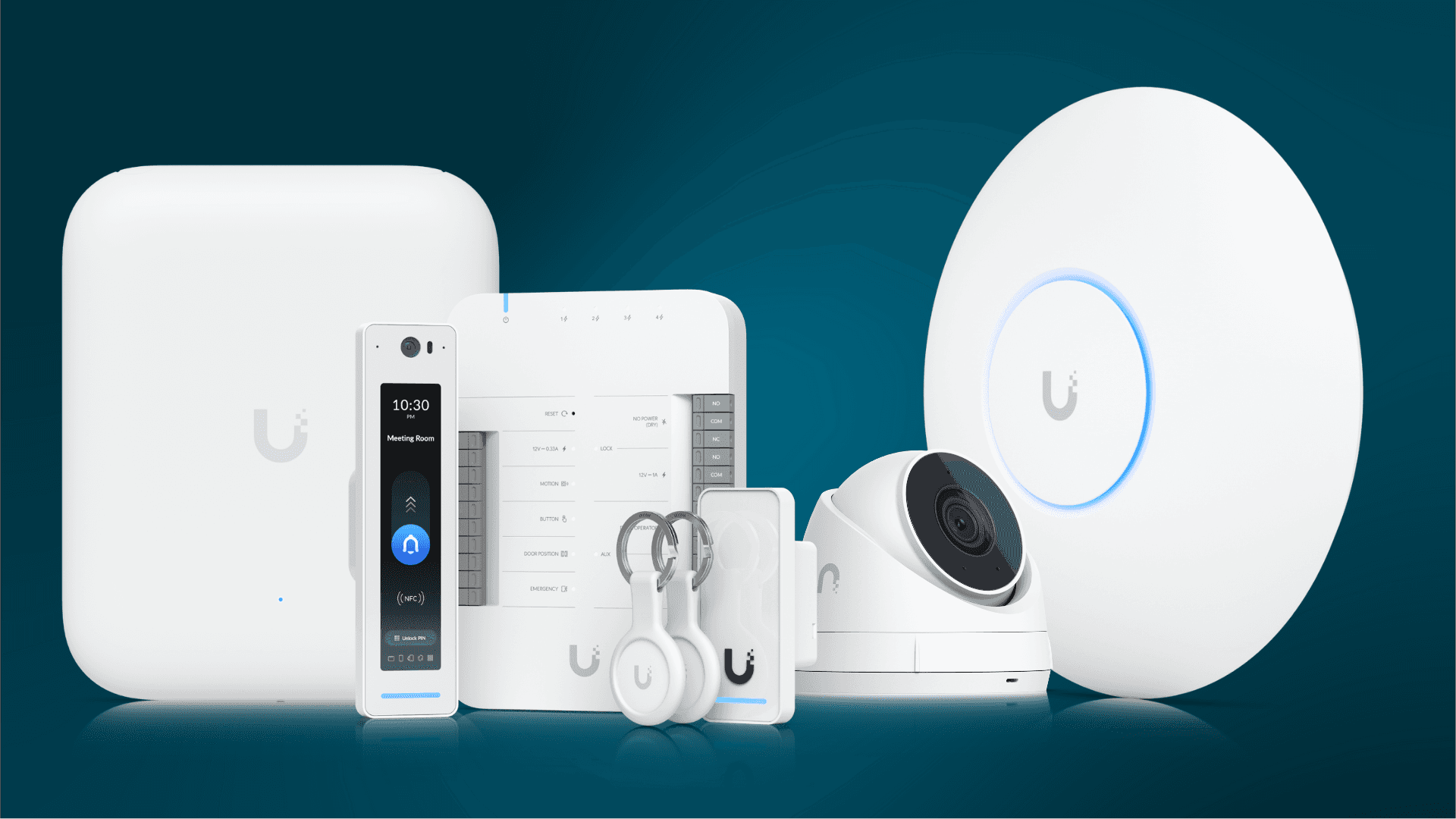
Get Better Wi-Fi, Cameras, and Access Control with UniFi
UniFi is popular because it gives small and mid-size businesses strong visibility without enterprise-level complexity. Wi-Fi, switching, cameras, door access, and network monitoring can be managed...
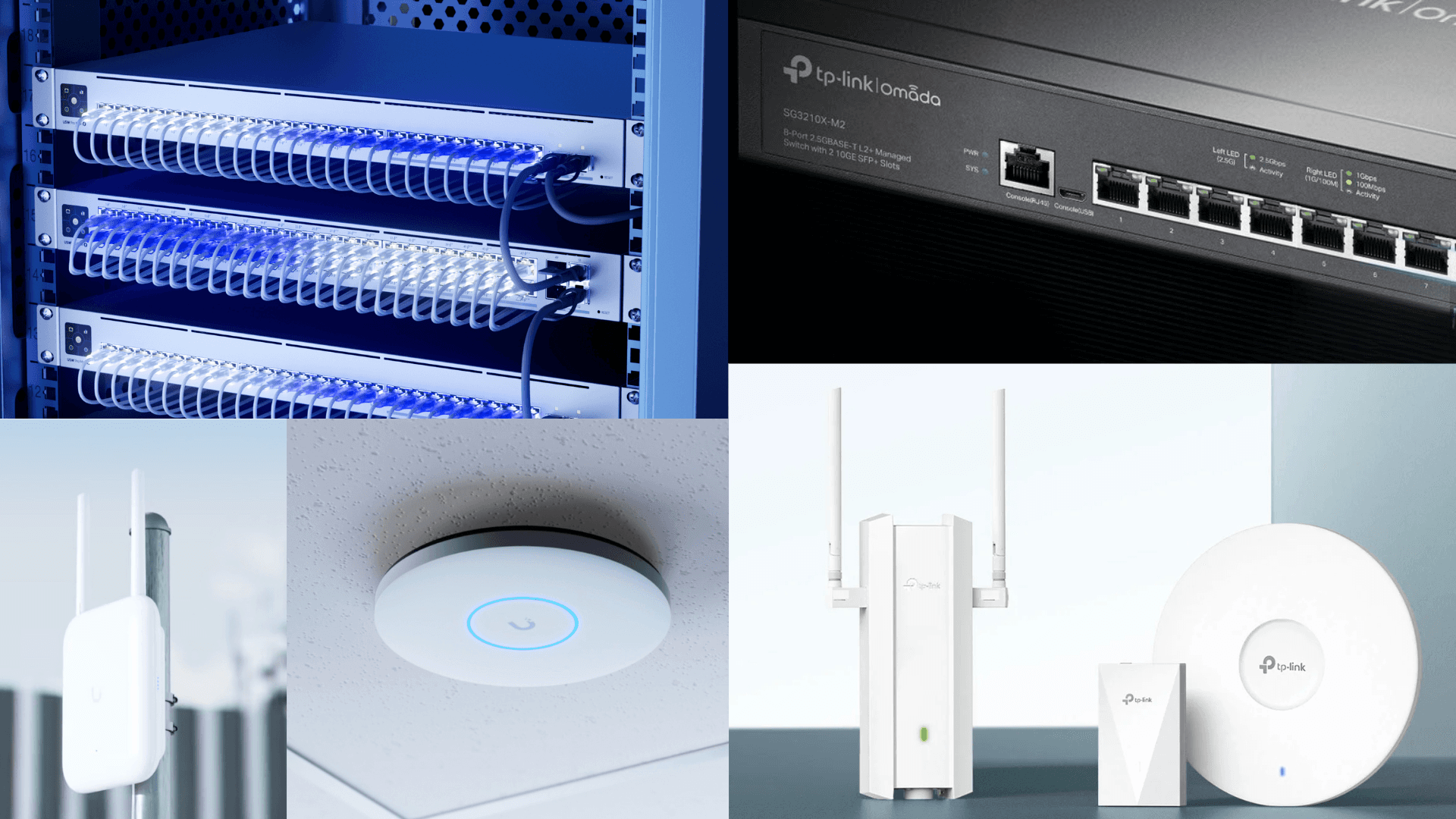
Ubiquiti vs. TP-Link Omada for Business Network Installation
Ubiquiti UniFi and TP-Link Omada can both be good platforms for small and mid-size businesses. The right answer depends on building size, support needs, camera and access-control plans, budget,...