Windows 10 Support Has Ended: Business Checklist for 2026
Windows 10 support has ended, which means businesses still running it need a clear plan. The risk is not that computers stop working overnight. The risk is that unsupported systems become harder...
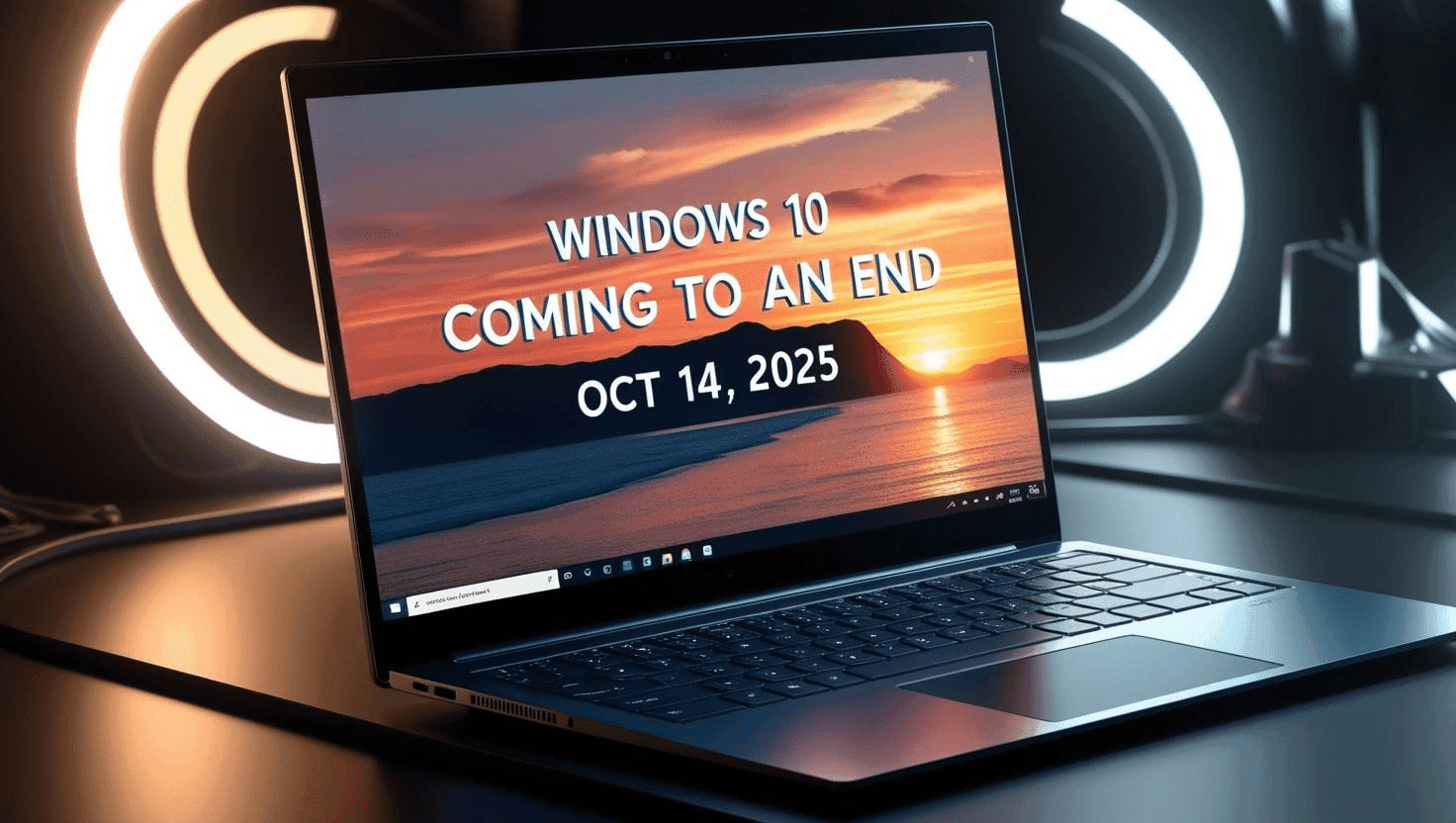
Windows 10 support has ended, which means businesses still running it need a clear plan. The risk is not that computers stop working overnight. The risk is that unsupported systems become harder to secure, harder to insure, and harder to support over time.
A clean migration is more than clicking upgrade. Businesses need to know which devices can run Windows 11, which applications need testing, which machines should be replaced, and how user data, profiles, printers, security tools, and Microsoft 365 access will move.
For small offices and professional firms, the easiest time to fix this is before an audit, cyber insurance questionnaire, or urgent hardware failure forces the issue.
What to look for
- Inventory every Windows 10 device and owner.
- Identify machines that fail Windows 11 requirements.
- Test line-of-business software before rollout.
- Back up user data before migration.
- Confirm endpoint protection, encryption, MFA, and patching after migration.
How RANGO helps
RANGO can inventory endpoints, build a phased migration plan, stage replacement hardware, migrate profiles, verify Microsoft 365 access, and document the upgrade for compliance and insurance conversations.
Ask for a Windows 10/Windows 11 readiness review before unsupported systems become a bigger risk.
Schedule a free IT assessment. Talk to a senior RANGO engineer about your environment.
Schedule a free IT assessmentSchedule a free IT assessment
Get a plain-English review from a senior RANGO engineer. No obligation.
Related posts

Microsoft 365 Security Checklist for Small Businesses
Microsoft 365 is where many businesses keep email, files, Teams chats, calendars, and client data. That makes it one of the most important systems to secure. Default settings are not enough for...

Secure Remote Access for Business in Miami: The 2026 Executive Guide
The traditional secure office — a castle protected by a firewall moat — became obsolete in 2024. Today your business perimeter is wherever your employees connect, and for Miami businesses that new reality demands a forward-looking approach to secure remote access…

HIPAA Compliance for Dental Offices in Miami: The 2026 Managed IT Guide
In 2026, the landscape of healthcare data security is more complex than ever, and Miami's vibrant dental community is squarely in the regulatory spotlight. The Office for Civil Rights…