How to Spot Phishing Emails Before They Cost Your Business Money
Most phishing emails are designed to create pressure. They ask someone to click, approve, pay, reset, download, or verify before thinking. The best defense is a team that knows what suspicious...
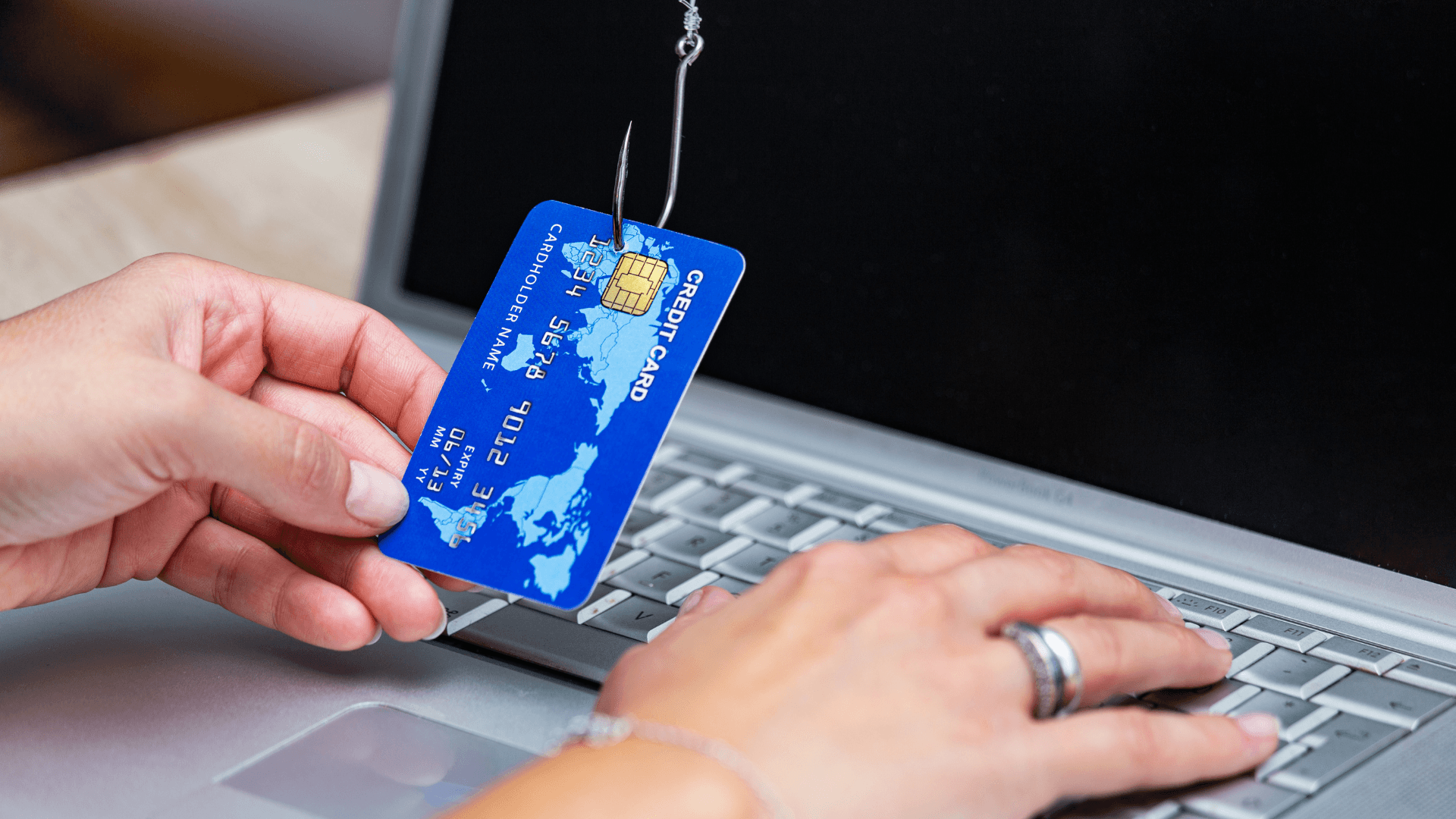
Most phishing emails are designed to create pressure. They ask someone to click, approve, pay, reset, download, or verify before thinking. The best defense is a team that knows what suspicious looks like and a security setup that limits damage when someone makes a mistake.
Phishing is dangerous because it targets normal business habits: invoices, shared documents, password resets, bank notices, shipping updates, and messages from executives. The email may look familiar, but the link, sender, attachment, or request does not match normal process.
Small offices often rely on trust and speed. That is exactly what attackers exploit. A simple approval process and employee training can prevent a large loss.
What to look for
- Urgent request involving money, gift cards, payroll, or bank changes.
- Microsoft 365 password warning that links to an unfamiliar domain.
- Invoice from a vendor with changed payment instructions.
- Sender display name is familiar but email address is wrong.
- Attachment arrives unexpectedly or demands macros.
How RANGO helps
RANGO combines email security, MFA, phishing simulations, Microsoft 365 hardening, and practical employee training. We keep the training short and realistic so people actually use it.
Request a phishing-readiness review and see where your team is exposed.
Get a cybersecurity review. Talk to a senior RANGO engineer about your environment.
Get a cybersecurity reviewGet a cybersecurity review
Get a plain-English review from a senior RANGO engineer. No obligation.
Related posts
Endpoint Security for Businesses in Miami: The 2026 Defense Guide
If your Miami business feels like a target, it's because it is. Florida consistently ranks in the top three states for cybercrime complaints, and for local small to mid-sized companies, a...
Top Cyber Threats Targeting Small Businesses in 2026
Small businesses are no longer too small to be targeted. Attackers go after companies that depend on email, Microsoft 365, remote access, and online banking but often lack full-time security...
Network Security Checklist for Small Businesses
Network security does not need to be mysterious. Most small businesses can reduce risk dramatically by getting the basics right and documenting them. The hard part is making sure someone owns the...