Hurricane Season IT Disaster Recovery Checklist for Florida Businesses
NOAA calls for a below-normal 2026 season, but a storm count says nothing about your street. Here is the operational timeline South Florida businesses should run: pre-season, 72 hours, 24 hours, during, after.
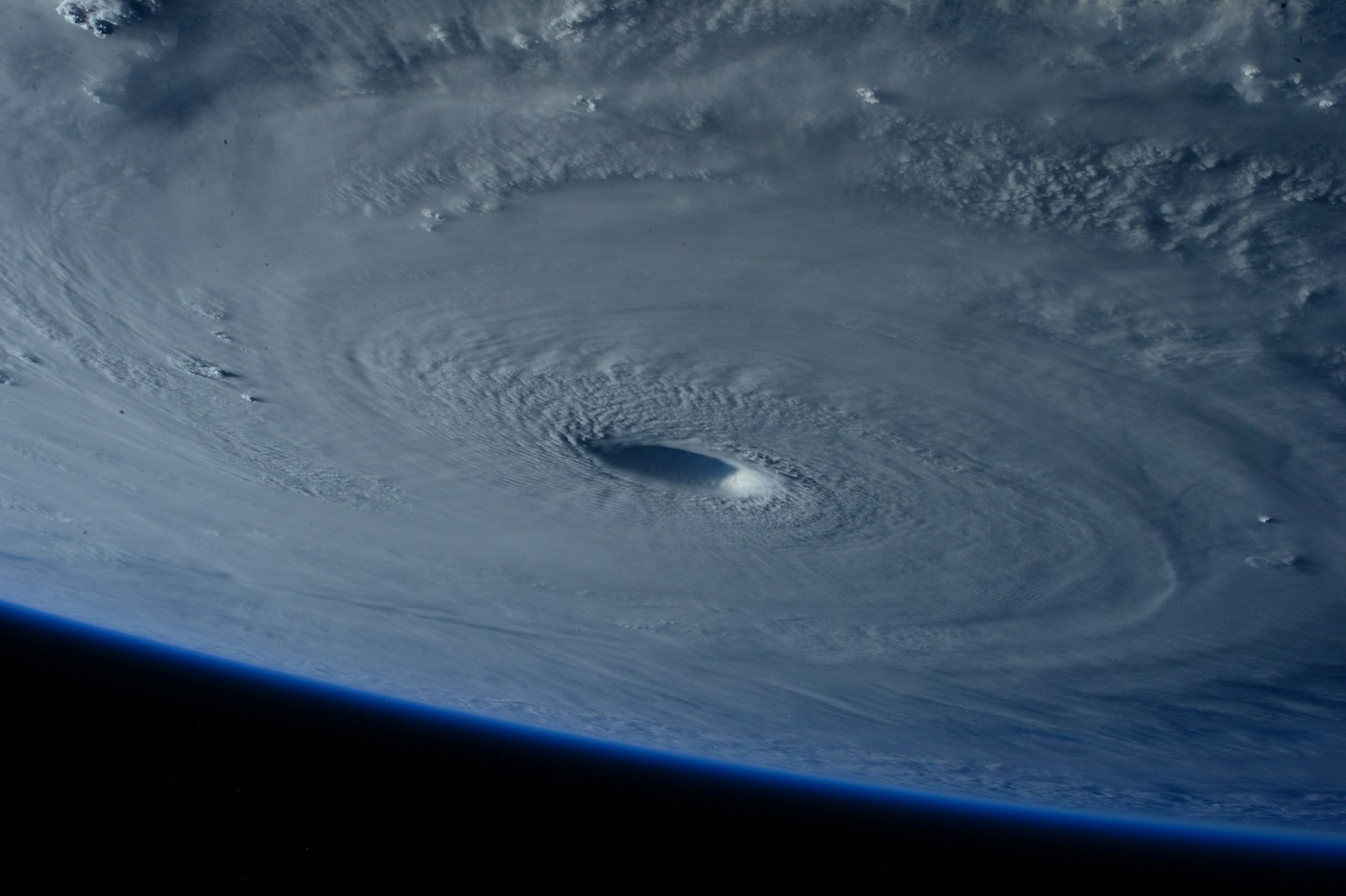
NOAA's August 2026 hurricane season update calls for 7 to 13 named storms, 2 to 6 hurricanes and 0 to 2 major hurricanes, with a 75% chance the Atlantic season finishes below normal. Read that honestly and it should change nothing about your hurricane IT disaster recovery checklist. A seasonal outlook counts storms across an entire ocean basin over five months. It says nothing about whether one of them tracks over your street, your building, or the substation that feeds your office.
RANGO Technologies supports small and mid-size businesses across Miami-Dade and Broward from Miami Lakes, and the pattern we see every year is the same: the companies that recover quickly did the unglamorous work in May, not the frantic work on Thursday afternoon. What follows is the operational timeline — pre-season, 72 hours out, 24 hours out, during the storm and after. It deliberately skips backup architecture, because that deserves its own treatment in Business Backup and Disaster Recovery: What Owners Need to Know. Read this one for sequence, that one for design.
Table of Contents
- What the Forecast Changes About Your Plan
- Pre-Season: The Work You Cannot Do in a Hurry
- Seventy-Two Hours Out: The Decision Window
- Twenty-Four Hours Out: Shutdown and Handoff
- During the Storm: Running the Plan You Wrote
- After the Storm: Bringing Systems Back in Order
- Start Before the Next Watch Is Posted
What the Forecast Changes About Your Plan
A seasonal count is not a landfall probability
NOAA's August update revised the May outlook of 8 to 14 named storms down slightly, and as of August 10, 2026 only two named storms had formed. An average season produces 14 named storms, 7 hurricanes and 3 major hurricanes, so 7 to 13 is genuinely a quieter picture than usual.
None of that is a statement about your address. A season can produce three storms and one of them can still be the one that crosses Miami-Dade. Hurricane Andrew came ashore in south Miami-Dade during a season that produced far fewer storms than average. The distribution of storms across a basin and the track of any single storm are different questions, and only the second one determines whether your servers lose power.
Preparation is unchanged by the outlook
The correct planning posture is therefore constant. You are not preparing for a season, you are preparing for one bad day that may or may not arrive. That means the plan should be written once, tested annually, and executed on triggers — a watch, a warning, a county evacuation order — rather than on how the season is trending.
Two questions worth asking instead
Skip "how active will the season be" and ask these two. First: if the building lost power and network for five business days, which systems would stop the revenue, and how long could each one stay down? Second: if that same building were inaccessible for three weeks, could the business operate from anywhere else? Ready.gov's business continuity guidance calls the first question a business impact analysis, and it is the input that makes every later decision on this page obvious instead of improvised.
| Phase | Trigger | What must already be finished |
|---|---|---|
| Pre-season | Calendar, before June 1 | Impact analysis, tested restore, documented recovery order |
| 72 hours | Storm enters the forecast cone | Backup verified, remote-work posture decided, supplies staged |
| 24 hours | Watch or warning for your county | Final backup, graceful shutdown, equipment protected |
| During | Conditions unsafe to travel | Nothing — you execute, you do not plan |
| After | Utility power and roads restored | Damage assessment, ordered restart, written debrief |
Pre-Season: The Work You Cannot Do in a Hurry
Rank your systems before you need to
List every system the business touches and sort it into three groups: revenue stops without it, revenue slows without it, and nobody notices for a week. Most owners are surprised by how short the first list is, and by what lands on it — often a phone system, a payment terminal, a scheduling database or a single line-of-business application, rather than the file server everyone assumed was critical.
That ranking becomes your restart order later. Without it, the day after the storm turns into six people arguing about what to plug in first while nothing gets done.
Know where your data physically is
For each system, write down where the data lives, where its copies live, and how far apart those locations are. A copy on a NAS in the same closet as the server is a copy, not an offsite copy. A cloud copy replicated to a data center in the same coastal wind field is better, but not by as much as most people assume.
This is where a provider should be doing real work rather than selling a checkbox. RANGO's position on the design is simple: Geographically separated, hurricane-resilient backups with regular restore testing. The details of how that is built are covered on our cloud backup and disaster recovery page.
Fix the single points of failure you already know about
Every office has two or three. The switch stack with no spare power supply. The one internet circuit with no cellular failover. The UPS whose batteries were last replaced when the office moved in, which now holds a five-minute load for ninety seconds. The rack sitting on a ground floor two blocks from a canal.
Pre-season is the only time these are cheap to fix. Battery replacement, an LTE failover circuit and a documented network diagram are ordinary network administration work in April and impossible in September. The same logic applies to the physical side of the building — cameras, door controllers, signage and glass — which we cover separately in hurricane preparedness for physical security systems.
Seventy-Two Hours Out: The Decision Window
Verify a backup by restoring one, not by reading a dashboard
Three days out, before anyone is panicking, confirm the last successful backup of each critical system and then restore one of them somewhere harmless. A green status icon reports that a job completed. It does not report that the resulting file set will mount, that the database is consistent, or that anyone on staff remembers the procedure.
CISA's #StopRansomware Guide makes the same point for a different threat: maintain offline, encrypted backups, and regularly test their availability and integrity in a disaster recovery scenario. Storm season is a convenient forcing function for a test you should be running anyway.
Decide who works from where
Seventy-two hours out is when you decide the remote posture and tell people, not when you discover that four employees have no laptop and the VPN concurrent-connection limit is eight. Confirm laptops are charged and patched, that multifactor authentication works from a personal phone, that anyone who relies on an in-office desktop has an alternative, and that the people with authority to approve payments can do so from outside the building.
If the business runs on cloud applications, most of this is already true and the exercise takes an hour. If it runs on an on-premises server, the honest answer may be that remote work is not possible and the plan is a controlled pause instead. Either answer is workable. Discovering which one applies at hour six is not.
Stage what you will not find later
Fuel, batteries, water, plastic sheeting and printed contact lists all disappear from South Florida shelves inside a day of a cone appearing. Print the recovery plan, the insurance policy numbers, the vendor and carrier support numbers, and the staff phone tree. Paper works when the power is out and your phone is at 4%.
Twenty-Four Hours Out: Shutdown and Handoff
A graceful shutdown beats a power cut
Order matters. Run a final backup and confirm it replicated offsite before anything is powered down. Then shut down servers and storage gracefully rather than letting the utility do it for you. Databases that lose power mid-write are the most common source of post-storm data corruption, and that corruption is usually discovered days later when someone opens a record.
Unplug equipment from power and from data lines. Surge damage arrives through coax, Ethernet runs to outbuildings and phone lines at least as often as through the wall outlet.
Protect the hardware physically
Move equipment off the floor and away from windows and roof penetrations. Wrap racks and workstations in plastic — water intrusion through a roof or a failed window seal ruins more gear in South Florida than wind ever touches. Photograph the rack, the cabling and the serial numbers before you cover anything. Those photographs are the fastest insurance documentation you will ever produce, and they double as a rebuild reference if labels come off.
Set the out-of-band communication plan
Write down, on paper and in a group text, who is reachable how, and when the next check-in is. Assume the office internet, the desk phones and possibly the building are unavailable. Cloud-hosted email and a shared mobile group chat are usually the two channels that survive, which is one practical argument for not running your own mail server. Name one person who makes the return-to-office call, and one backup for that person.
During the Storm: Running the Plan You Wrote
What can genuinely be done remotely
Monitoring, remote acknowledgement, and remote triage of anything still online. That is the honest list. RANGO's commitment is stated plainly: 15-minute remote acknowledgement for critical incidents, 24/7, for managed-service clients; on-site response typically under 4 hours in Miami-Dade during business hours. The on-site half of that assumes passable roads and safe conditions. No credible provider sends engineers out during a hurricane, and you should be skeptical of one that says otherwise.
Do not improvise access changes
The pressure to "just give everyone admin so they can work" peaks during a disruption, and it is the change most likely to still be in place a year later. Same for disabling multifactor authentication because someone cannot receive a code. Handle exceptions individually, log them, and put a date on reversing them. Emergency access that never gets revoked is one of the quieter ways a storm turns into a breach.
Expect a storm-timed phishing wave
Attackers read the same forecasts you do. Storm-themed messages about payroll, insurance claims, vendor bank-detail changes and emergency wire transfers spike around a named storm precisely because normal verification habits are disrupted and the usual approver is unreachable. CISA's guidance for small businesses is blunt about the fix: verify requests through a known channel, never through the contact information in the message. Tell your team before the storm that no payment instruction changes during the event, full stop.
After the Storm: Bringing Systems Back in Order
Power quality first, hardware second
Do not energize a rack because the lights came on. Utility power immediately after a major outage can be unstable, and generator output varies in quality. Confirm stable power, check the space for standing water and humidity, and let equipment reach room temperature before it is switched on. Condensation inside a switch is a slower, more expensive failure than a clean surge.
Bring systems up in dependency order
Reverse the shutdown. The sequence below fits most small-business networks:
- Internet circuit and modem, confirmed up with the carrier before anything downstream.
- Firewall and core switching, then verify the internal network before adding load.
- Identity and infrastructure servers — domain controllers, DNS and DHCP — because everything else fails confusingly without them.
- Line-of-business applications and databases, in the order your impact analysis ranked them.
- Workstations, printers and access points, last, once the services they depend on answer.
Then confirm backup jobs resumed and completed. Backups quietly failing after a restart is common, and the gap is only discovered at the next incident.
Reconcile the gap and write the debrief
There is almost always a window between the last good backup and the moment power was lost. Somebody has to work out what happened in that window and re-enter it — orders taken, payments posted, notes written. That gap is your recovery point objective made real, and if it turns out to be unacceptably large, the fix is architectural rather than procedural.
Then hold the debrief within a week, while the annoyances are fresh. The NIST Cybersecurity Framework treats Recover as a function with its own improvement loop, not as the end of the incident. Write down what took longer than expected, what nobody could find, and what you would buy differently, and fold it into next year's pre-season list. Ongoing managed IT services should include that review as routine work rather than as a project you have to request.
Start Before the Next Watch Is Posted
A below-normal outlook is good news and it is not a reason to defer anything on this page. The work that determines how a storm goes for your business — a ranked system list, separated and tested backups, a documented restart order, and a staff that knows the plan — takes a few weeks to put in place and cannot be compressed into the 72 hours when everyone else in South Florida wants the same thing.
If you are not confident your business could answer the two questions in the first section, start there. RANGO's free IT assessment reviews your current recovery position, tells you where the actual single points of failure are, and gives you a written sequence you can run without us in the room. Request a free IT assessment online, or call (305) 901-8990, Monday through Friday, 8:00 AM to 5:00 PM ET.
Request a free IT assessment. A senior engineer reviews what is actually exposed and walks you through a plain-English scorecard. Request takes about 15 minutes. No obligation.
Request a free IT assessmentRequest a free IT assessment
Form, not a calendar. A senior RANGO engineer reviews your environment and sends a plain-English scorecard. No obligation.
Related posts

Miami Power Outage Business Continuity: The 2026 Guide
The blackout is only half the battle - the surge when the grid re-energizes fries more hardware than the outage itself. Here is how Miami businesses set remote-work triggers, protect servers from surges and humidity, and recover data cleanly…

Business Backup and Disaster Recovery: What Owners Need to Know
Backup software is not the thing that decides whether you recover. This guide covers RPO and RTO in plain language, the 3-2-1-1-0 rule, immutability, and the mapped drive that gets encrypted with everything else.

The Microsoft 365 Migration Template for South Florida Businesses
Microsoft's July 2026 price increases and the retirement of standalone SharePoint plans have put migration back on the agenda. Here is the engineering-led template South Florida firms use to move mail, files, and identities with minimal disruption…